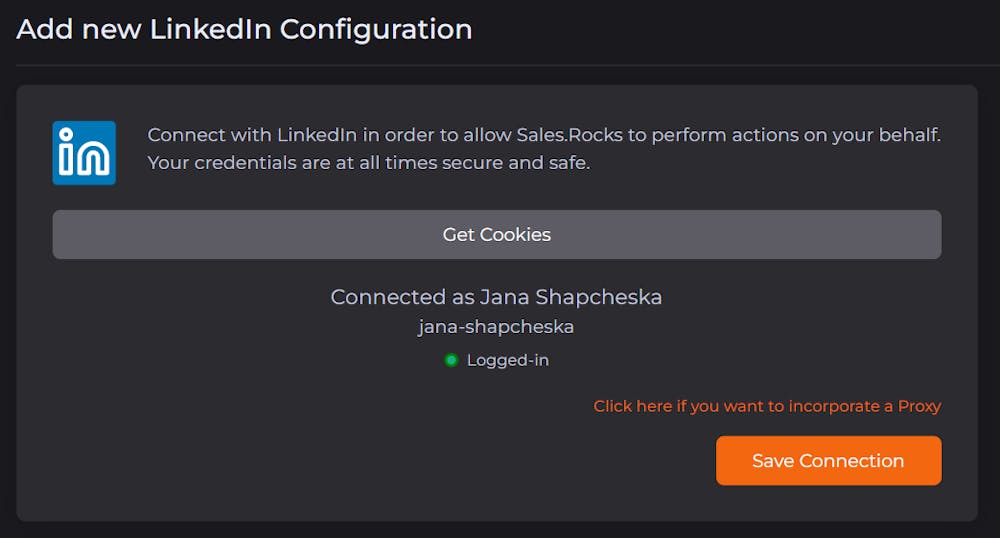

Some of you might have noticed and reported an issue with connecting your LinkedIn profile on Sales.Rocks.
With the strict regulations from LinkedIn, we were having severe issues with the login option, but our team worked hard on getting this resolved, adding a completely new structure for the connections 💪
Here is a quick step-by-step guide on how to connect your LinkedIn easily:
1. Download the Sales.Rocks Chrome Extension
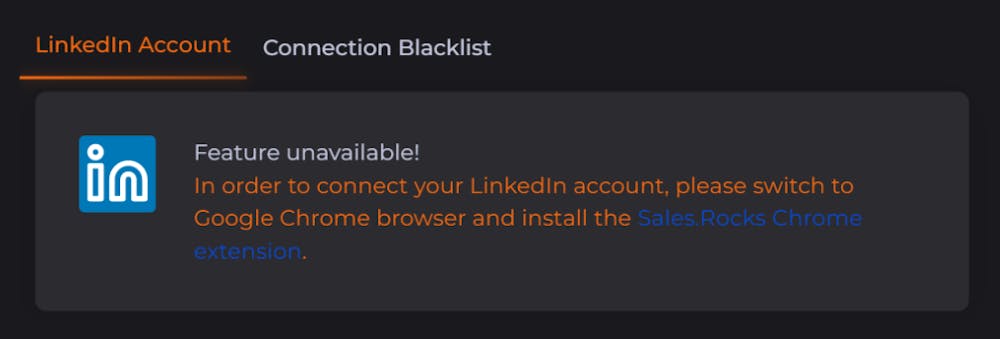
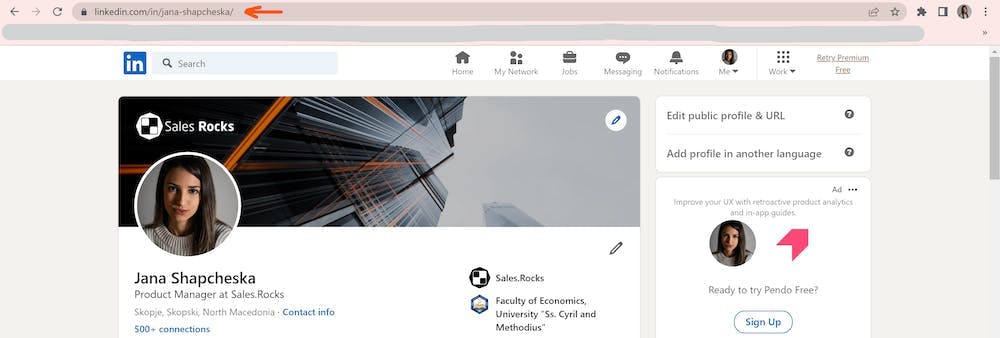
2. After downloading, log into your LinkedIn account directly on your browser. This way the cookies will be stored in your browser session
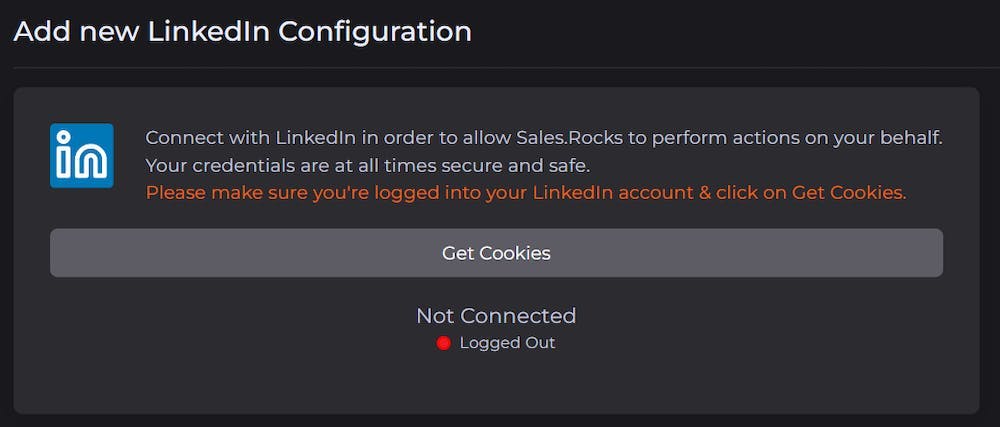
3. Navigate back to the Sales.Rocks LinkedIn Configuration. Then, click on the 'Add New LinkedIn Connection' button.
After you’re redirected to this screen click on the “Get Cookies” button.
4. On the next step, your profile details will appear on the screen and all you need to do is click on “Save Connection” and you’re set!